HeadTidy
Capture ideas quickly
Type, speak or paste into Quick Capture. Leave loose thoughts in Inbox until you are ready to organise them.
Capture a thought, see how it connects and give it a next step. HeadTidy brings your mind maps, tasks and daily plan together.

Each view helps with a different moment. The underlying thought stays the same.
Type, speak or paste into Quick Capture. Leave loose thoughts in Inbox until you are ready to organise them.
Group thoughts into branches. Keep notes, images and supporting details beside the idea they explain.
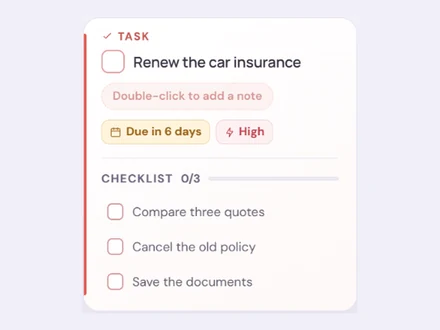
Add a checklist, due date or priority when you need one. Review the same work in Map, List or Tasks.
Use Plan to see dated work from this map or all maps. Switch between day, week and month.
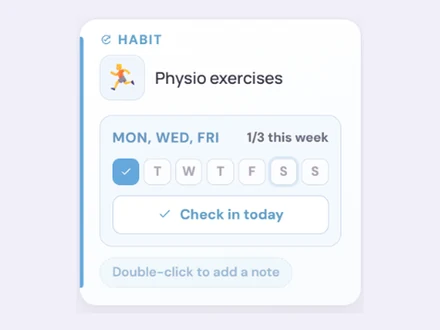
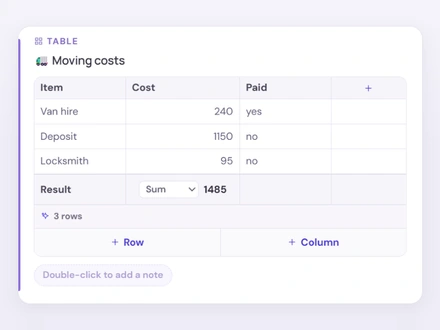
Keep habits, tables, charts and a focus timer close to the work. Add only the tools your map needs.
Export your maps, recover mistakes and choose how to share. An account adds cloud saving across devices.